
AI dinner apps
The Best Recipe App That Imports From Instagram (and Then Helps You Cook It)

Quick answer: RecipePT imports from the iOS share sheet: tap share on the reel, pick RecipePT, and we read the caption, the post page, any recipe link in that caption, and the image, then save a real ingredient list and numbered steps. If the recipe is only spoken aloud, we tell you instead of inventing quantities.
Saving the reel was never the hard part. The saved folder fills up, and the dinners still do not get cooked, because a saved reel is a video: no list you can shop from, no steps you can follow with wet hands, no way to find it again at 6pm. Importing is the part that decides whether any of it ever becomes food. Here is what actually works, and where it honestly breaks.
What recipe app can import a recipe from an Instagram post or reel?
RecipePT, from the iOS share sheet. Tap share on the post, pick RecipePT, and it reads the caption, the post page, any recipe link in that caption, and the image, then saves a real ingredient list and numbered steps into your library. It is our app, it is iPhone only, and it is a paid subscription.
The important qualifier: an import can only be as good as what the creator actually wrote down. That sounds like a caveat, and it is, but it is also the whole story of why this feature is hard and why most apps quietly do not do it. Everything below is about the difference between a post that imports completely and one that does not.
Why do most recipe apps choke on an Instagram link?
Because recipe clippers read structured recipe markup, the hidden schema.org Recipe data that food blogs publish so Google can show cook times and ratings. Instagram pages carry none of it. A clipper pointed at a reel finds a title, a thumbnail and a caption, so it saves a bookmark rather than a recipe, or it fails outright.
That is the split worth understanding before you go app shopping. A recipe manager that "imports from the web" is usually a very good structured-data reader. Point it at a blog and it will pull the ingredients, the yield and the cook time perfectly. Point it at social and there is nothing of that shape to read, so the result is a link with a picture on it, which is exactly what your saved folder already was.
So an Instagram import has to work from messier signals. RecipePT uses three, in order of how much they are worth. The caption text, which on recipe accounts is often the entire recipe. Any link inside that caption, because a huge number of creators write "full recipe on my site," and that site almost always has the structured data Instagram lacks, so following it turns a thin post into a complete recipe. And the post image, which gets read when the text is thin.
The link-following one is the quiet workhorse. When the caption points at a food blog, the import stops being a guess and becomes a real transcription of a real written recipe, with the blog's own photo attached. When there is no link, the caption has to carry it alone.
How do you import an Instagram recipe, step by step?
Three taps. On the reel or post, tap the paper plane share icon, choose Share to, then pick RecipePT. The app opens on a loading screen with the Instagram badge, then drops you straight onto the finished recipe, not back onto a list you have to go hunting through.
One iPhone quirk that reads like a bug and is not: a newly installed share extension is often hidden behind the More button at the end of the share row until you enable it once. If RecipePT is not in the row, tap More, switch it on, and it stays there.
There are two other ways in, and they matter more than they sound:
- Paste the link. Copy the post link, open Import in RecipePT, paste. Same pipeline as the share sheet, useful when the link arrived in a text message instead of the app.
- Import a screenshot. Take photo or Upload photo, or share an image straight into RecipePT from Photos. This is the rescue path. If the recipe is written on a slide, on a caption you screenshotted, or on a page of a cookbook, the photo import reads the text off the image and transcribes it. For a story, which is not a permanent public page, this is the only thing that works.
What if the recipe is only spoken in the video?
Then no app can read it, ours included. RecipePT does not transcribe Instagram video. If the caption holds no recipe, there is no link to follow, and the image is just a plated dish, the import tells you it did not have enough to go on instead of inventing quantities and handing them to you as fact.
We built that refusal on purpose, after watching the alternative. Given a nearly empty source, a language model will happily produce a confident, plausible, completely fabricated recipe, and you will not know until you have bought the ingredients. So there is a gate: no real signal, no saved recipe, with an error that tells you what to try instead.
Between those two extremes there is a middle, and it is labelled. Every import gets a confidence rating from how much real content the source gave up. A post whose caption held the full recipe, or that linked out to a blog, comes in clean. A post with a two line caption comes in carrying a banner that says it was drafted from limited source info and to double check the ingredients and steps. That banner is not a disclaimer for our benefit. It is the difference between a recipe you trust and a recipe you skim before shopping.
In practice the pattern is easy to predict. Accounts that write the recipe out in the caption import almost perfectly. Accounts whose caption is a hook and three emoji do not, no matter which app you use. If you want the import to work, save from the creators who write things down.
What makes an imported recipe actually get cooked?
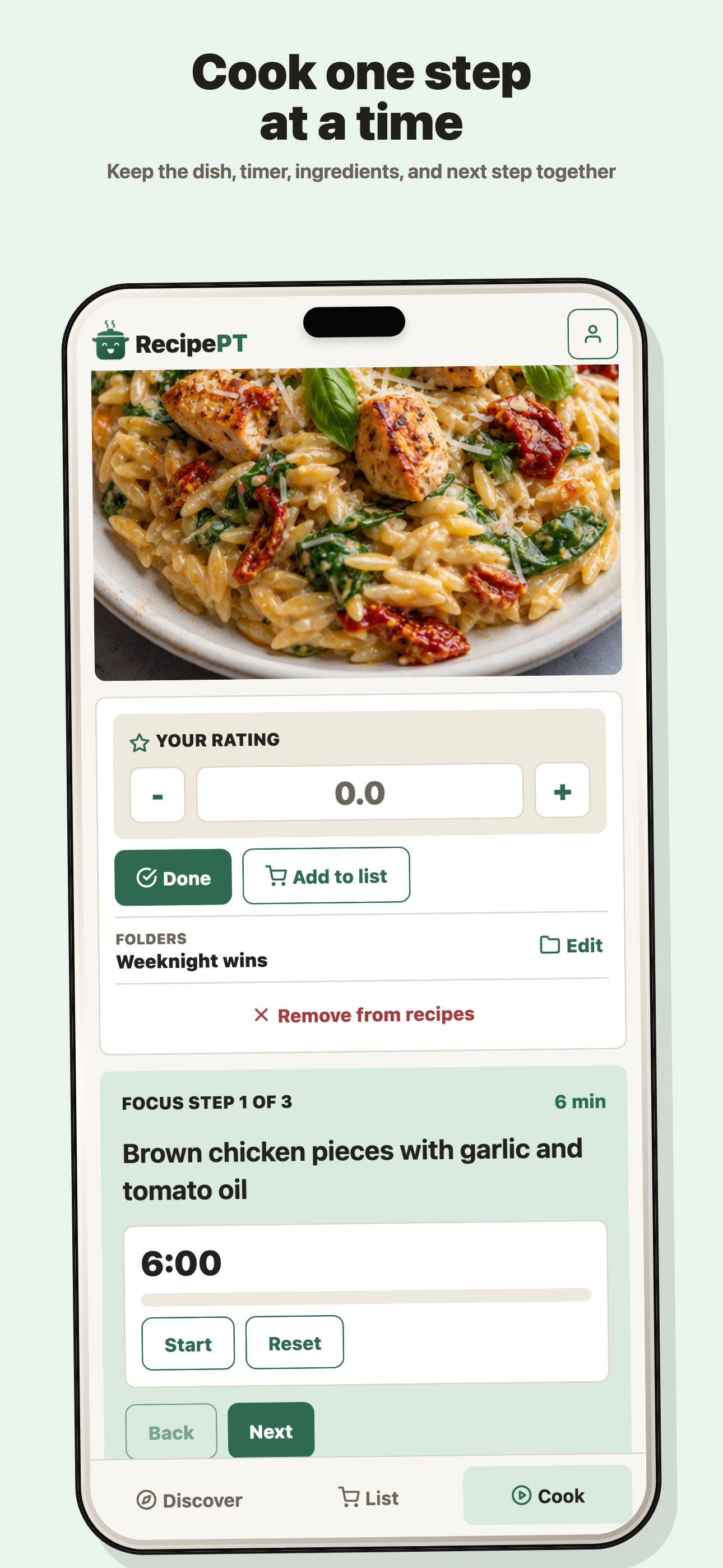
Being usable, not being stored. Once it is in, the imported recipe behaves like everything else in RecipePT: retype it in plain language to change it, send its ingredients to the grocery list, and cook it a step at a time. Storage was never your problem. Instagram was already storing them.
This is the part that separates a recipe importer from a recipe app. Four things happen after the import that a bookmark cannot do:
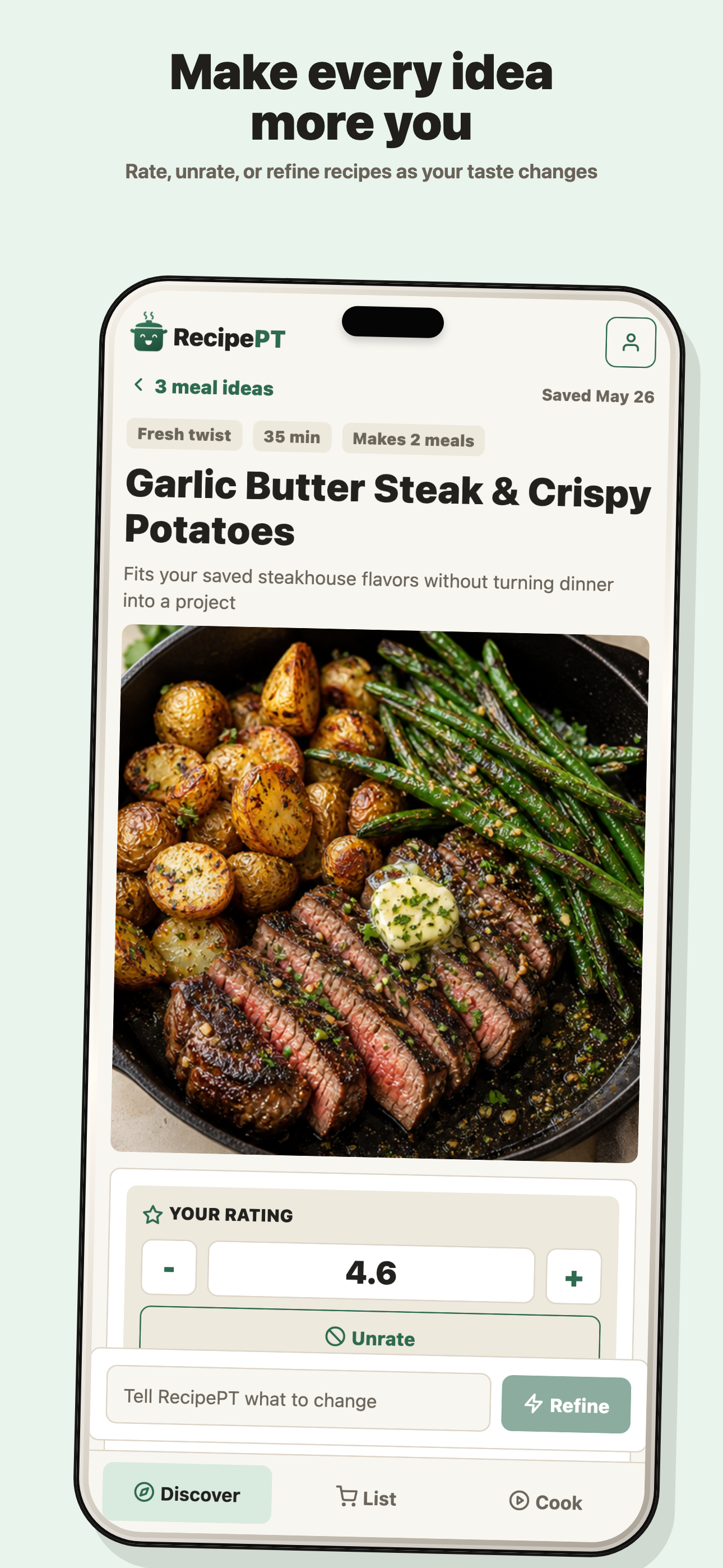
- You can talk to it. "Halve it." "No mushrooms." "Make it a sheet pan." The recipe re-forms around what you said, which matters because the creator cooked it for their kitchen, not yours.
- It is checked against what you avoid. During the import it is read against the foods you told RecipePT to keep out. Everything else about the source recipe is reproduced faithfully, but an ingredient on your avoid list gets substituted, and if one survives that pass the import fails rather than saving it. It is a check, not a guarantee, so if the stakes are medical, read the list yourself.
- The ingredients become a list. Not a screenshot you squint at in the aisle. The list sorts itself by section, so the imported recipe merges with everything else you are buying.
- Cooking it teaches the app your taste. Importing alone is a bookmark. Rate it or cook it, and it starts pulling the ideas you get on an ordinary Tuesday toward that kind of food, which is the whole reason to get the reel out of the saved folder.
That last point is the honest reason to import at all. A saved reel you never open is not a recipe collection, it is a wish list, and wish lists are part of what makes the nightly decision so heavy. We wrote about that loop in dinner decision fatigue. The version that matters here: more saved options do not make deciding easier, they make it harder, unless something turns them into candidates for tonight.
Which app should you actually pick?
Pick by what happens after the save. If you want a permanent, organized, offline library of recipes you already collect, a dedicated recipe manager is better than us. If the saved reels are piling up and none of them turn into dinner, the missing piece is deciding, and that is what RecipePT is for.
Those are genuinely different jobs, and installing the wrong one is the most common mistake in this category. We laid the five different jobs out in the best recipe app for iPhone breakdown. If your real constraint is the fridge rather than the feed, the argument from the ingredient side is in cooking with what you have.
Where we are straightforwardly not the pick: RecipePT is iPhone only, it is a subscription, and it does not try to be an archive of your grandmother's index cards. What it does is take the thing you found on Instagram and put it into a kitchen that knows your household.
Common questions
Can a recipe app import from Instagram Stories?
Not reliably. A story is not a permanent public page, so there is nothing stable for an app to read, and the link usually dies within a day. Screenshot the story instead and import the screenshot, which reads the text on the image directly.
Do I need to be logged into Instagram for the import to work?
No. RecipePT reads the public post page for the link you shared. It does not sign into Instagram, connect to your account, or see anything private. Posts from private accounts are not public pages, so those will not import.
Does the same import work for TikTok, Pinterest, Facebook and YouTube?
Yes, through the same iOS share sheet. Pinterest is often the most complete, because a pin usually links out to a food blog and RecipePT follows that link to the full written recipe rather than saving the pin itself.
Bring the reel into the kitchen
Share the post, get a real ingredient list, then tell RecipePT what tonight is like and watch it adjust. It remembers what you saved and what you cooked, so the next idea starts closer to right. 1-week free trial. Cancel anytime.
Get RecipePT on iPhone